 Jobsite Memory
Remember the screws before you drive past.
Tap Record and say what you need. Jobsite Memory keeps the note with the job and reminds you near the store you named.
iPhone · iPad · Apple Watch · CarPlay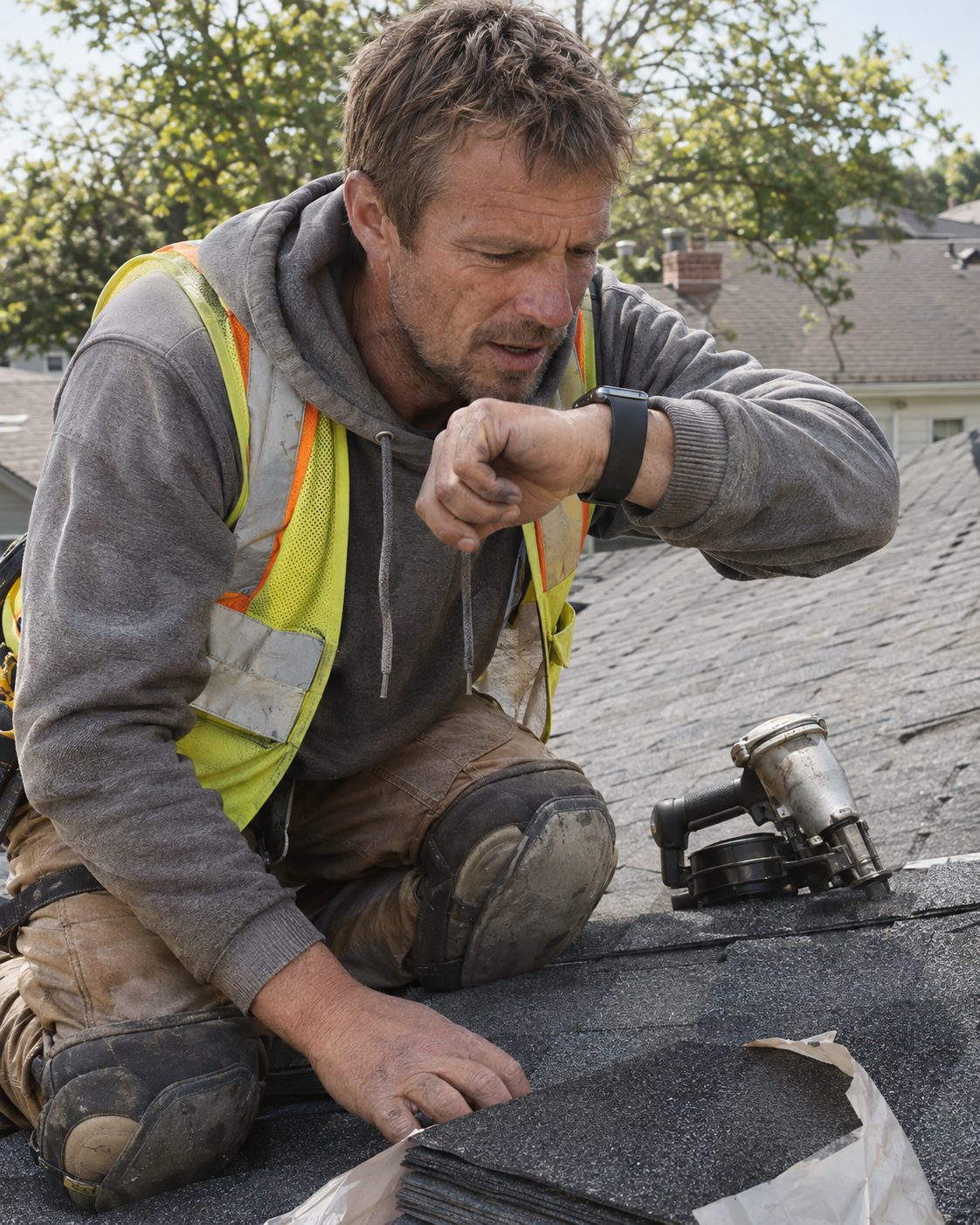
“Pick up two bundles of ridge cap Thursday.”
Tap Record on your Apple Watch, your iPhone or in the truck, and talk. The memo goes on the job you're standing at. Thursday goes on the to-do.
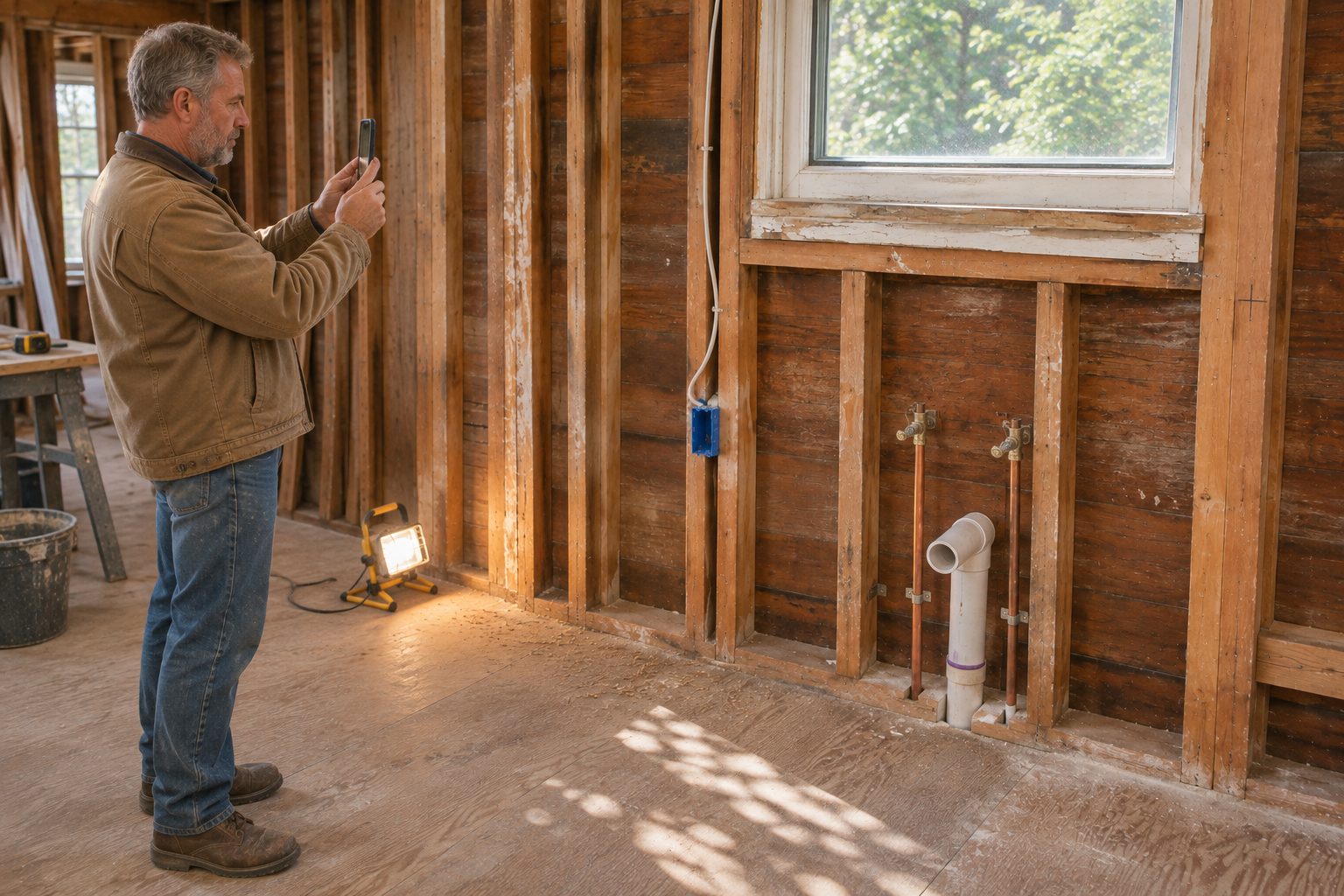
Which side of the stud?
03General contractor · kitchen rough-in · before drywall
Open the job and pull up the picture you took before the drywall went up. The permit, the quote and the drawings are there too, and the words in them are searchable: a breaker size, a model number, a permit number.
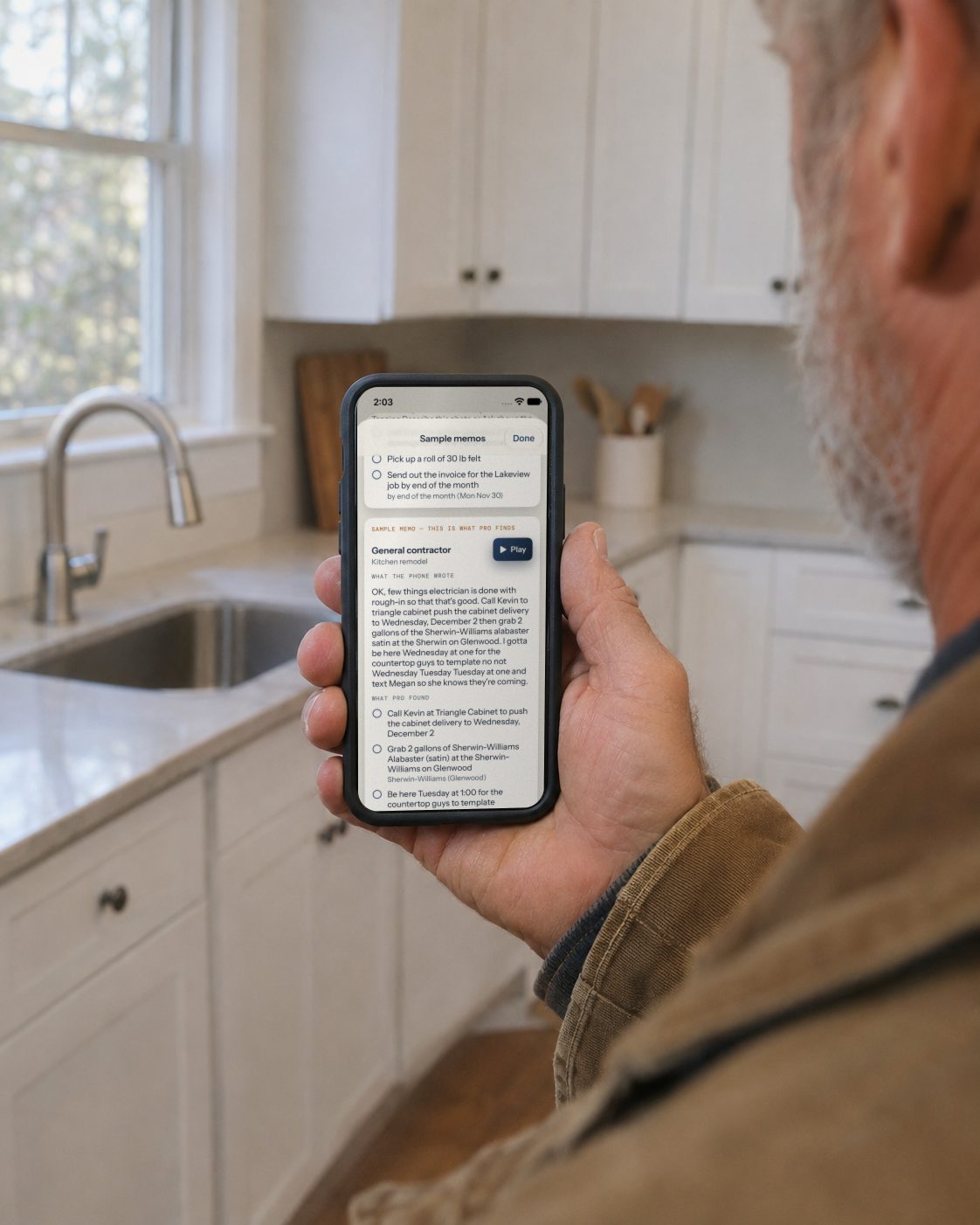
“Grab two GFCIs when I'm near the supply house.”
Say the store and the to-do waits for you there. “Home Depot” means the nearest one. Job reminders come when you pull up, when you leave, or when the time comes.
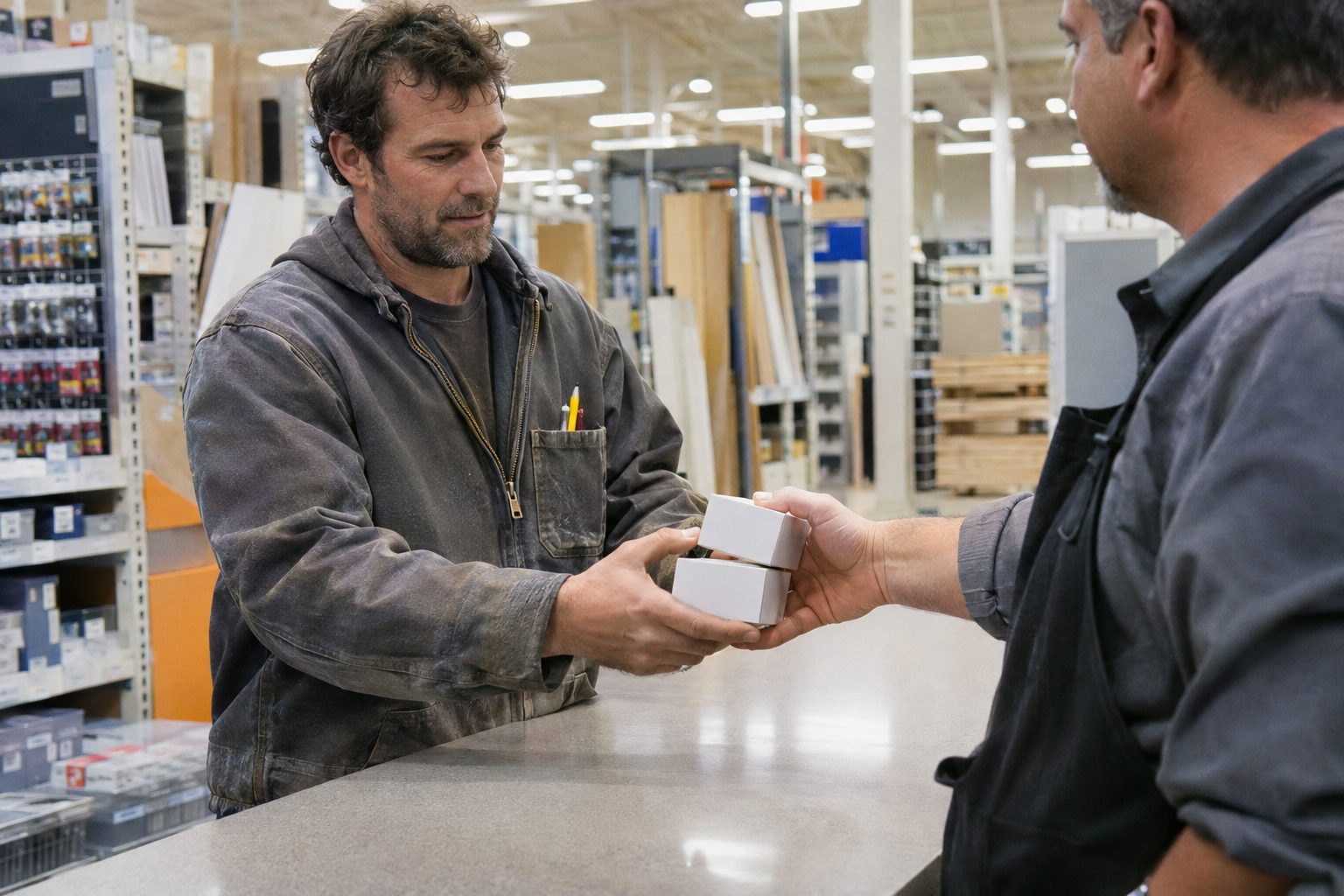
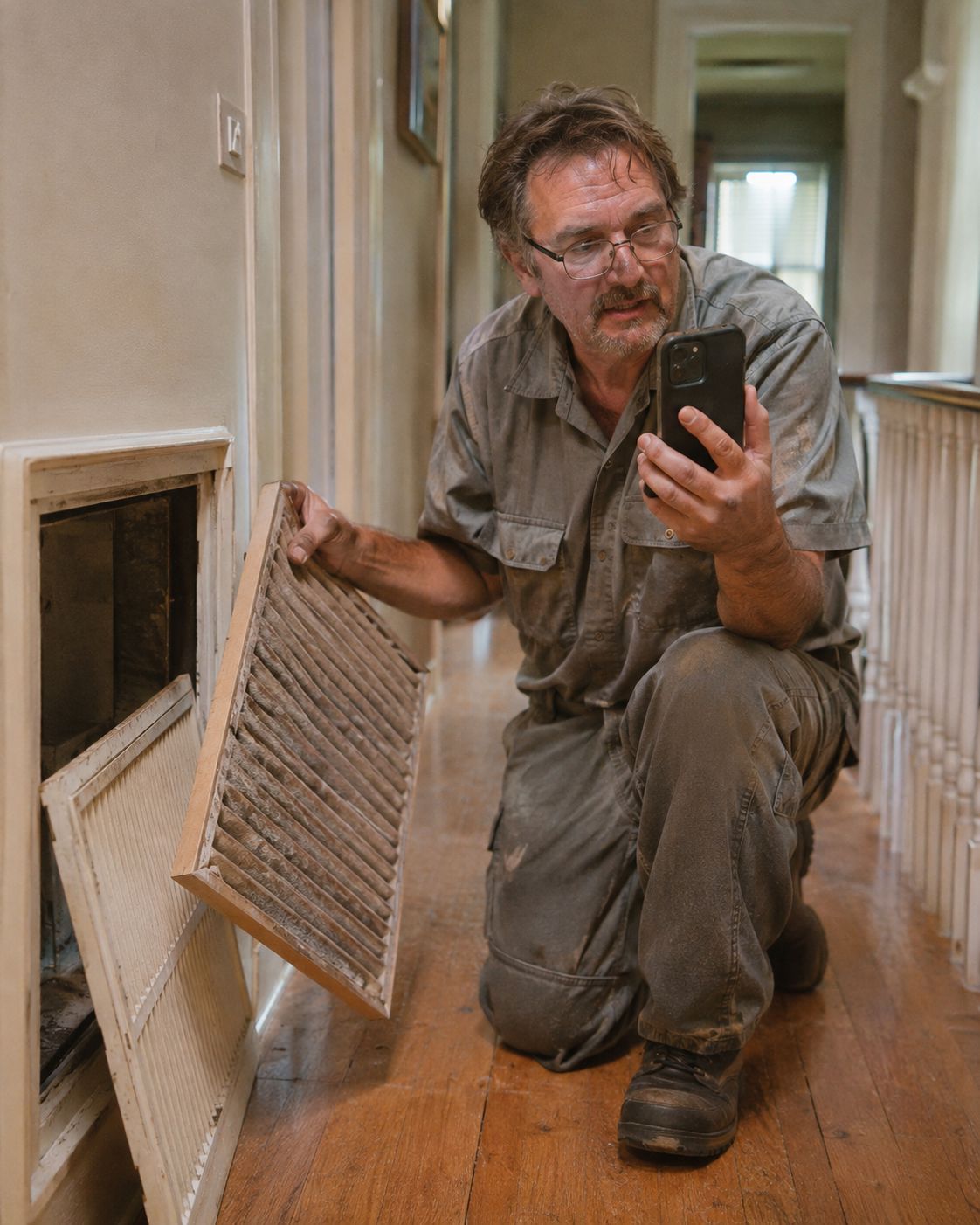
“What size filter did I put in upstairs?”
Ask out loud, on the phone or in the truck, and hear the answer from the memos, notes, photos and files you left on that job.
What else is in it
Free unless it says Pro.
| Mark | Item | Where |
|---|---|---|
| A | Job map and directions. Your jobs on one map, numbered like the list, with Apple Maps or Google Maps directions. | iPhone · iPad |
| B | Today's route. Your stops in order with arrival times. | iPhone |
| C | Gloves on. Four big buttons: Record, Ask, Photo, To-dos. Nothing needs a press-and-hold. | iPhone |
| D | To-dos across every job. Due today and overdue, a calendar, and a Today widget. | iPhone · iPad · Watch |
| E | Phone numbers become Call buttons. Say “call her son if she's not home” and the number is one tap away. Pro | iPhone |
| F | Job packs. Hand a whole job to a helper or the next trade. | iPhone · iPad |
| G | Private sync. Your iPhone and iPad stay in step through your own iCloud. | iCloud |
Your jobs stay yours.
Everything lives on your phone, and in your own iCloud if you turn on sync. To find to-dos, a memo passes through our server to a service that keeps none of it. You can choose words only, or turn it off.
- AccountsNone to make.
- AnalyticsNone. No ads, no tracking.
- LocationUsed on your phone to match you to a job. It stays there.
- PolicyWho handles what, in full
Asked on the job
What's the best app for tradespeople to keep track of jobs, to-dos and reminders by location?
Jobsite Memory is built for that. Each job is an address. You talk to it, for a customer promise or a note to yourself, and it files the memo to that job, lists the to-dos, days, times and phone numbers you said, and reminds you when you pull up, when you leave, near the store you named, or at the time you set. Each job also keeps its photos, documents and files, and your jobs are on a map with directions. It runs on iPhone, iPad and Apple Watch and is in a private beta.
Is it only for things I promised a customer?
No. Anything you need to remember: pick up fittings on the way, check the attic next time you're at a job, call the inspector Tuesday. Say it, and it becomes a to-do with the place and time you gave it, for a customer or just for you.
Do I have to type anything?
No. You tap Record and talk. The memo is filed to the job you're standing at, and the to-dos, times and phone numbers are pulled out for you. You can type a note instead when you can't talk.
How does it know which job a memo belongs to?
It uses your phone's location to match where you are to the job's address. If you're somewhere else, you can say the job or pick it. Your location stays on your phone.
Will it remind me when I'm near the hardware store?
Yes. Say "grab screws next time I'm near Home Depot" and it reminds you near the nearest one, or you can pick a specific store. Job reminders fire when you arrive at or leave a job, and a to-do with a time reminds you at that time.
Can it keep documents and photos for each job?
Yes. Photos, videos, permits, quotes, drawings and PDFs stay with their job. The words in them are read on your phone, so you can search for a breaker size, a model number or a permit number, and Ask can use them when you ask about the job.
Can I see my jobs on a map and get directions?
Yes. Show job map on Home puts your jobs on one map, numbered to match the list. Each job, and each to-do with a place, has a Directions button that opens Apple Maps or Google Maps.
What if I say "three thirty" without AM or PM?
For today it uses the next three thirty still ahead. For another day it assumes working hours: 6 to 11 is morning, 1 to 5 is afternoon. Tap the to-do to change it.
Can I record a memo from my Apple Watch?
Yes. Open Jobsite Memory on the watch, tap Record, talk, and tap Stop. Your phone can stay in your pocket. The watch keeps the recording until it reaches your paired iPhone, then the memo is filed and its to-dos are found like any other. You can also add a to-do on the watch by saying it, with when it's due, and see your to-dos that are due today, across all your jobs.
Can I use it with gloves on?
Yes. Gloves on shows four big buttons (Record, Ask, Photo, To-dos), and the main controls are glove-sized. You can also record from an Apple Watch, or ask and record from CarPlay in the truck.
Where is my data kept?
On your phone, and in your own private iCloud if you turn on sync. There are no accounts, no analytics and no ads. To find to-dos, a memo is sent through our server to an outside service that keeps none of it; the privacy policy lists who handles what, and you can choose words only or turn it off.
Is it on the App Store? Android?
Not yet. It's in a private TestFlight beta on iPhone, iPad and Apple Watch. No Android version. Email support@slick-engineering.com to ask for an invite.
Take it on your next job.
Jobsite Memory is in a private beta on iPhone, iPad and Apple Watch. Email us and we'll send a TestFlight invite.
support@slick-engineering.com